Overview
In rare cases, you may need to create a printable offline assessment. Printable assessments should be used in special circumstances only, since scores from printable assessments will not be recorded on the student's account. This article will show you how to create printable assessments.
A One-Time Printable Assessment for a Single Student
You may need to create a one-time printable assessment in a case where a student cannot use a computer device for a short period of time.
- From the Assessments tab, click on the quiz that needs to be printed Click here to learn how to create a quiz..

- Use the drop-down menu to the right of the student and click Convert to Printable.

- You can then use the same drop down menu to then click Print.

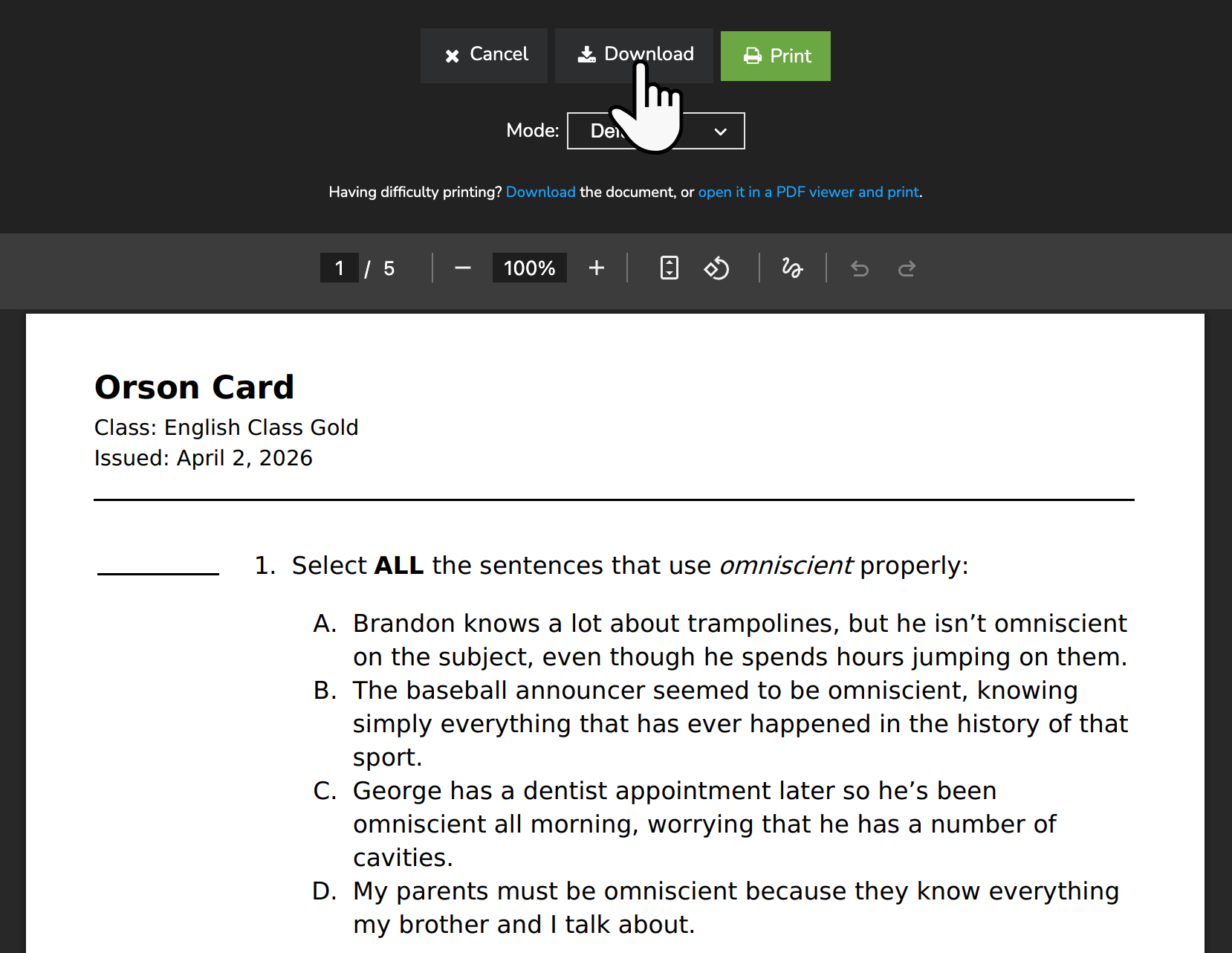
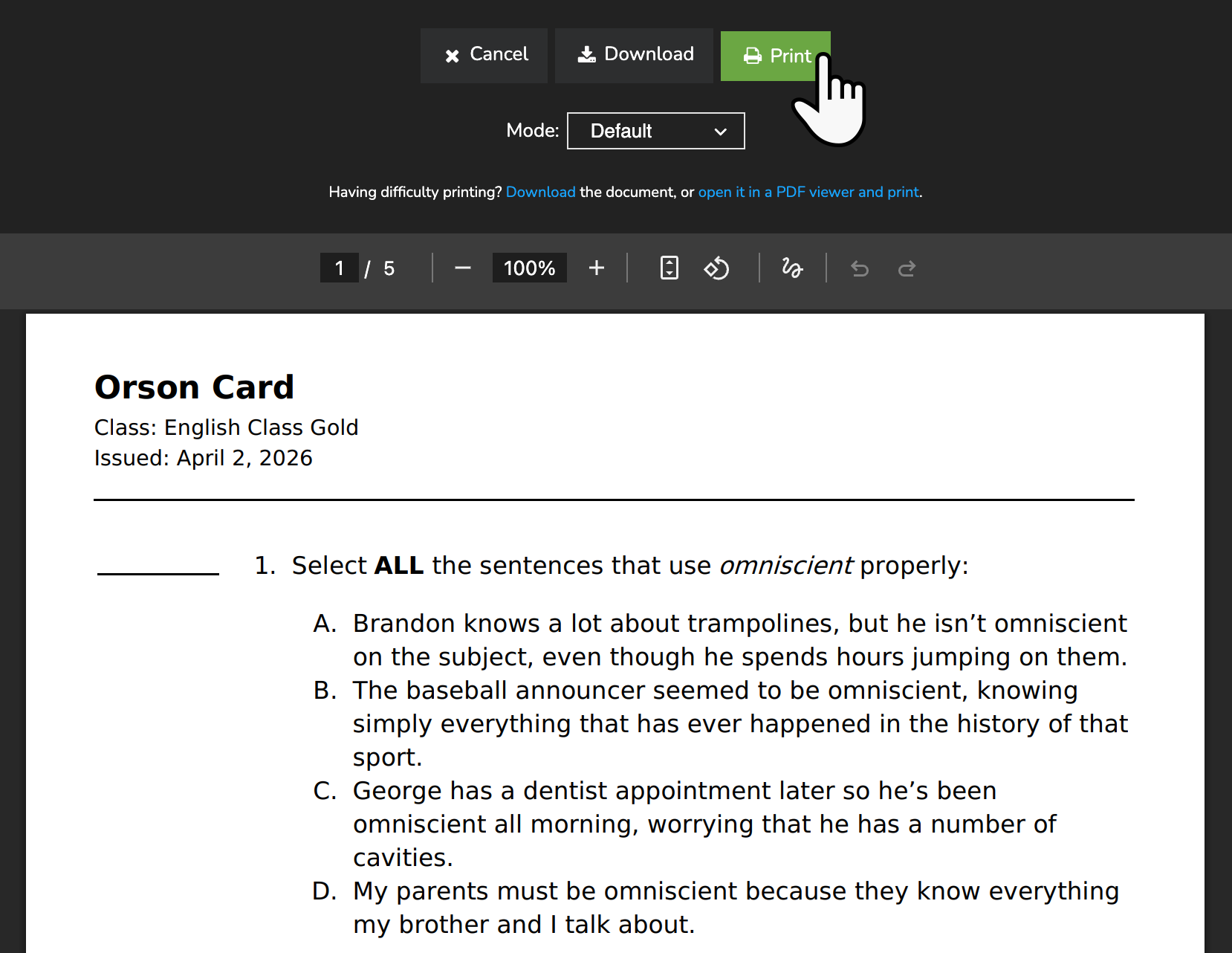
- Click Print at the top of the screen and follow your browser's instructions to print the assessment.
A One-Time Printable Assessment for the Entire Class
Check the printable assessment option when creating an assessment.

From the Assessment Summary page, check all of the students and select Print from the Bulk Actions menu.

Adjusting Font Size When Printing
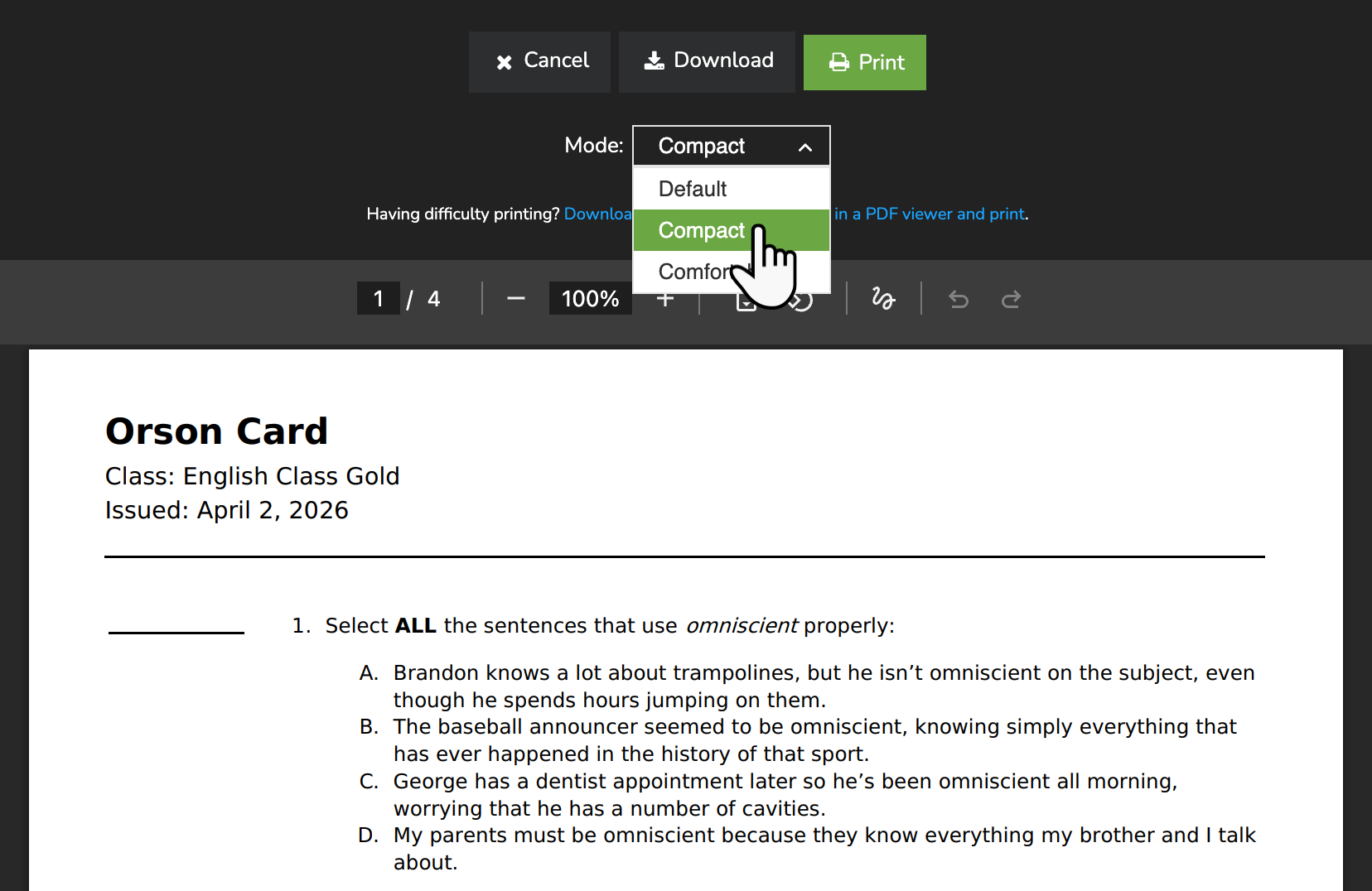
When printing an assessment, you can choose from three font sizes to ensure the quiz is easy to read or fits neatly on the page.
- Default Mode uses the standard font size set by the system.
- Compact Mode reduces the font size, allowing more content to fit on each page.
- Comfortable Mode increases the font size, making questions and answer choices larger and easier to read.
To select a font size, click the Mode dropdown. Select your preference, then click Print.
Permanent Printable Assessments for a Student
You can designate permanent printable assessments for a single student by adjusting their preferences. Enabling the Printable assessments option for a student means their quizzes will need to be printed going forward.
Troubleshooting
If you are unable to print assessments from your browser, you can download the assessment as a PDF. Opening the assessment in a PDF viewer, like Adobe Acrobat, will allow you to print the downloaded assessment.